Use cases
One personal AI. Many ways to use it.
Start with what matters to you. Souvéa can help you notice what is easy to miss, think through decisions, keep track of what you are learning and bring other people in when something works better together.
Noticing what changed
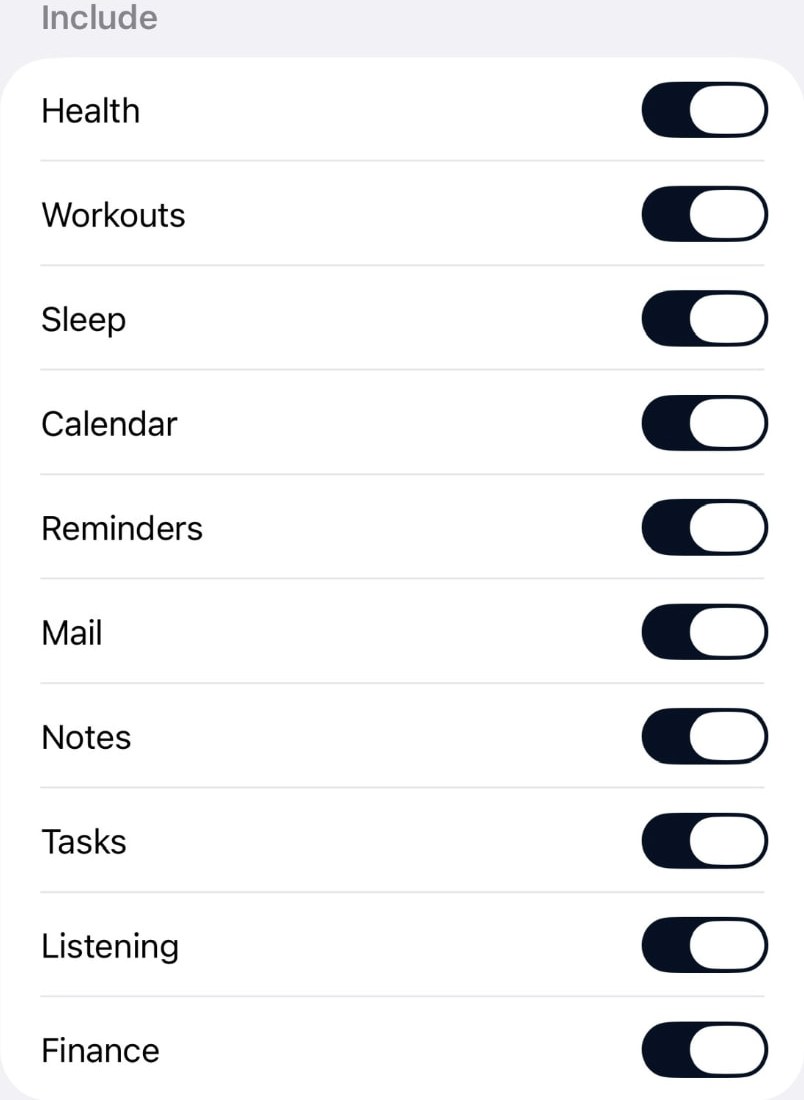
Ask what has changed recently that you may not have noticed. A daily summary built from the sources you switch on helps you see what matters and what can wait. Connect the parts of your life where AI is useful and leave the rest disconnected.
Research and monitoring
Give a Scout a subject to follow. Ask Souvéa to watch a topic or a personal signal and tell you on the schedule you choose, quietly or as it happens.
Health and personal patterns
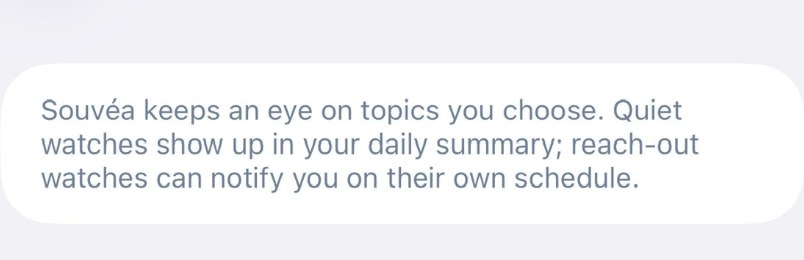
Connect health, workouts, sleep and places when you want them included, then look at how a week or a month actually went.
Personal knowledge
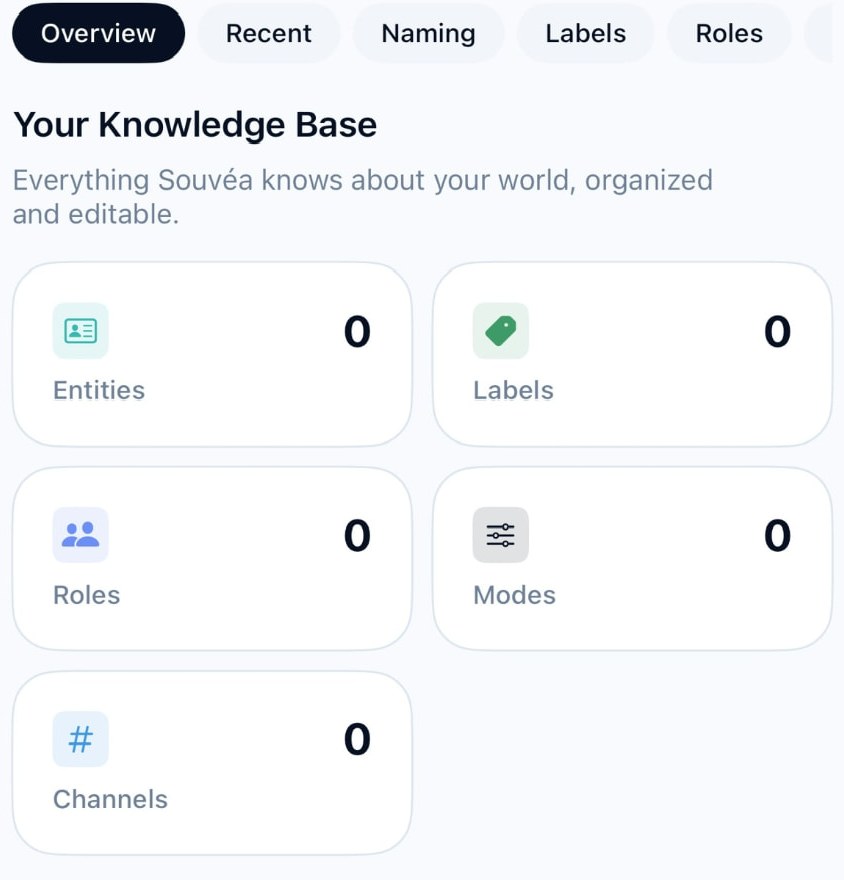
Keep notes, entities, roles, labels and channels in a glossary you can inspect and edit, so your context stays accurate over time.
Decisions and continuity
Ask what you should consider before deciding, or what you have been meaning to come back to. Souvéa can remember useful context, and you can inspect or change what it keeps.
Projects and professional work
Prepare for a meeting, keep each client or project in its own boundary, and hand repetitive work to an agent with the right skills.
Projects and groups
Bring selected people, information and AI into a shared Space while personal context stays separate.
Working with other people
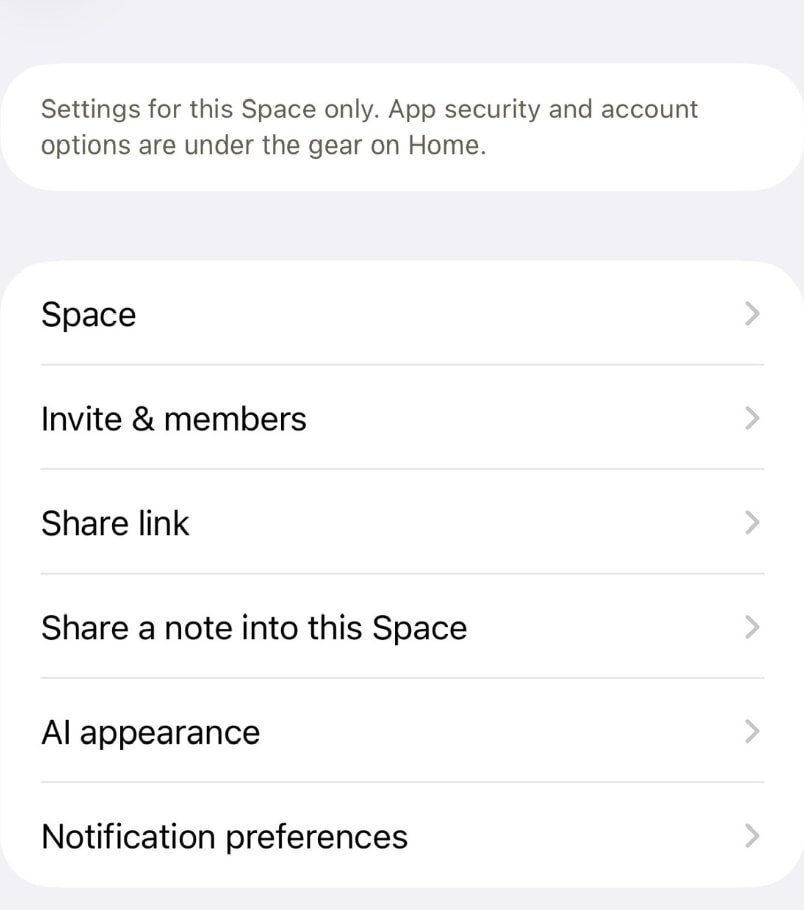
Create a Space for a project, study group, professional network, family or community. Bring selected information together, talk with people and AI, and build useful shared context and memory.
Existing communities
Give an existing group a shared intelligence environment. Members can make knowledge and expertise easier to find, bring selected information into a common context and use AI together without moving everyone's personal data into the group.
Organizations and partners can also provide governed information, services and Spaces through Prifina Zones, available with selected partners. Visit Prifina