Skip to content
Souvéa
START WITH SOUVÉA

JOURNAL

Notes, guides and thinking from the Souvéa team.

Practical guides for getting started, notes from the build and our thinking about personal AI, useful memory and staying in control of your information.

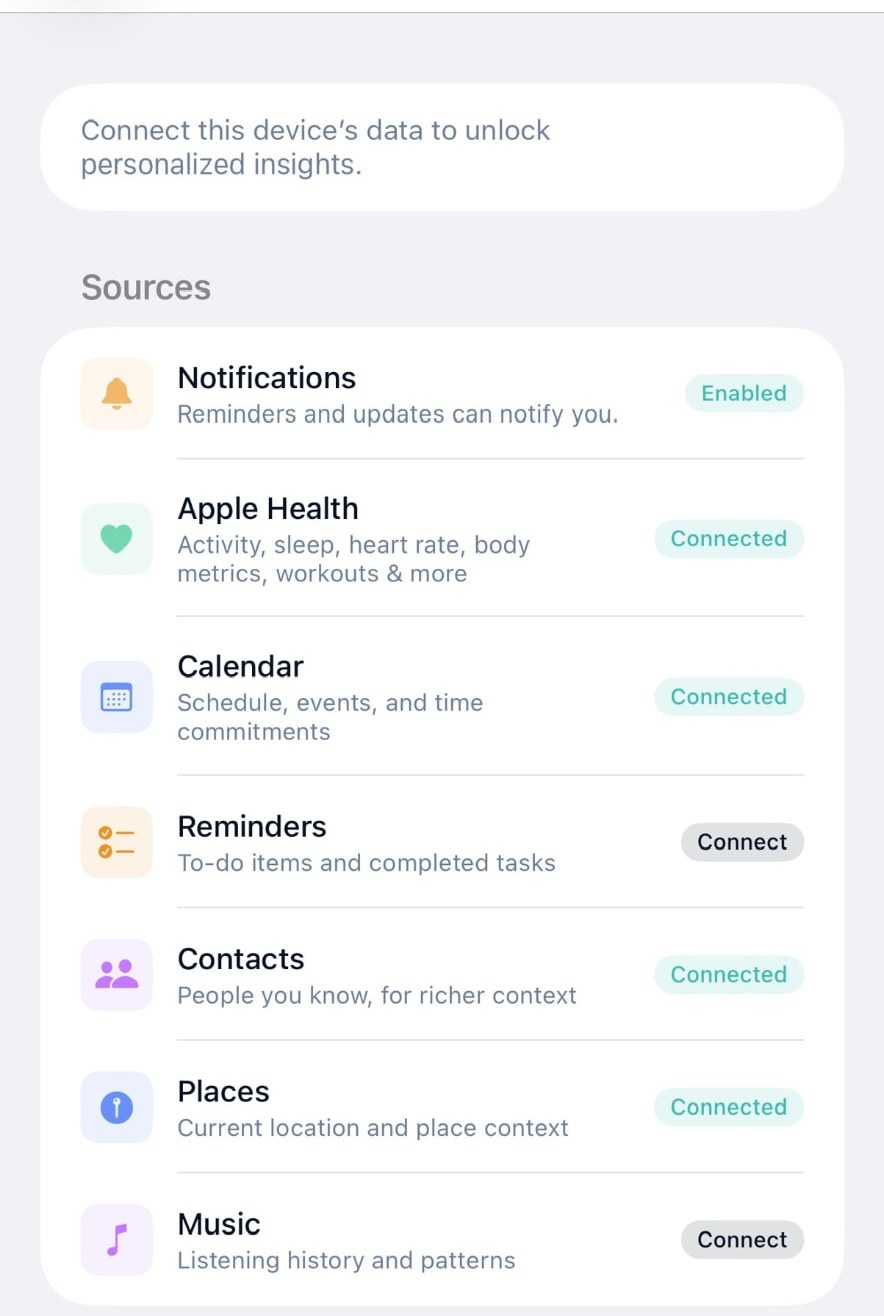
The Device sources screen in Souvéa, listing Notifications, Apple Health, Calendar, Reminders, Contacts, Places and Music, each with a connect or connected control.

FEATURED

Getting Started

Start with one connection

The fastest way to understand Souvéa is to connect one thing you already use, then ask a real question about it.

Read article

All articles

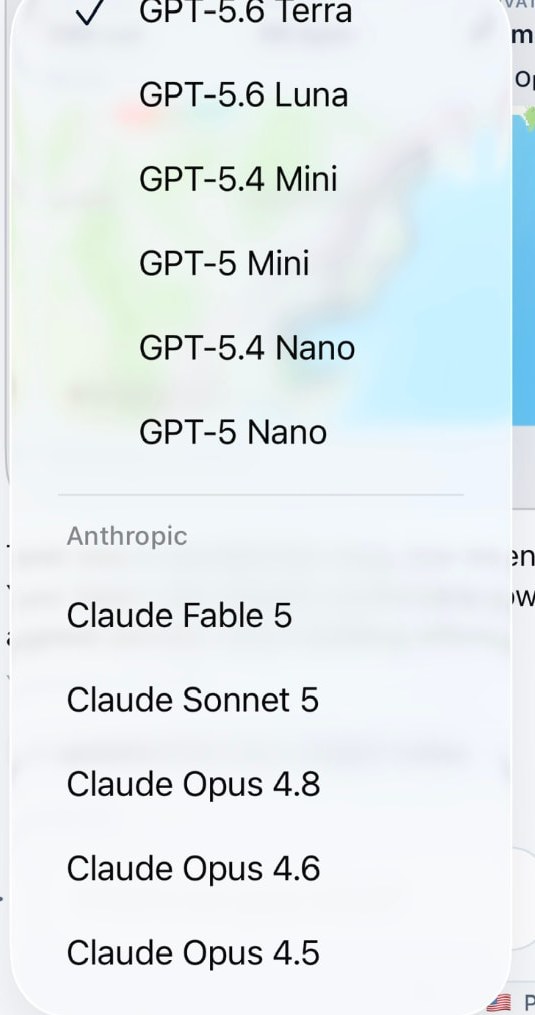
  • The Souvéa model picker open in the app, listing supported models from several providers with one of them selected.

    Guides

    Choosing the model and the processing country

    Every AI request goes somewhere. Souvéa makes the selected model and the processing country visible, and lets you change both where that is supported.

    Read article

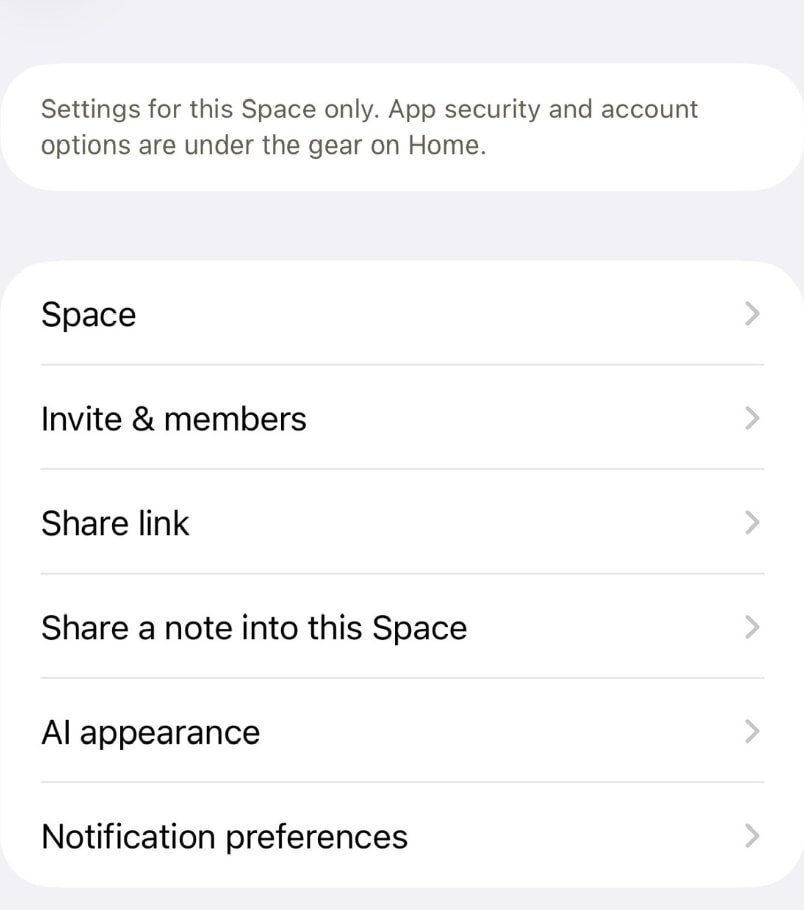
  • Space settings in Souvéa with options for the Space, invites and members, a share link, sharing a note into the Space, AI appearance and notification preferences.

    Use Cases

    A Space for a shared trip

    Four people, one weekend and a dozen scattered messages. A Space keeps the plan, the people and the AI in one place.

    Read article

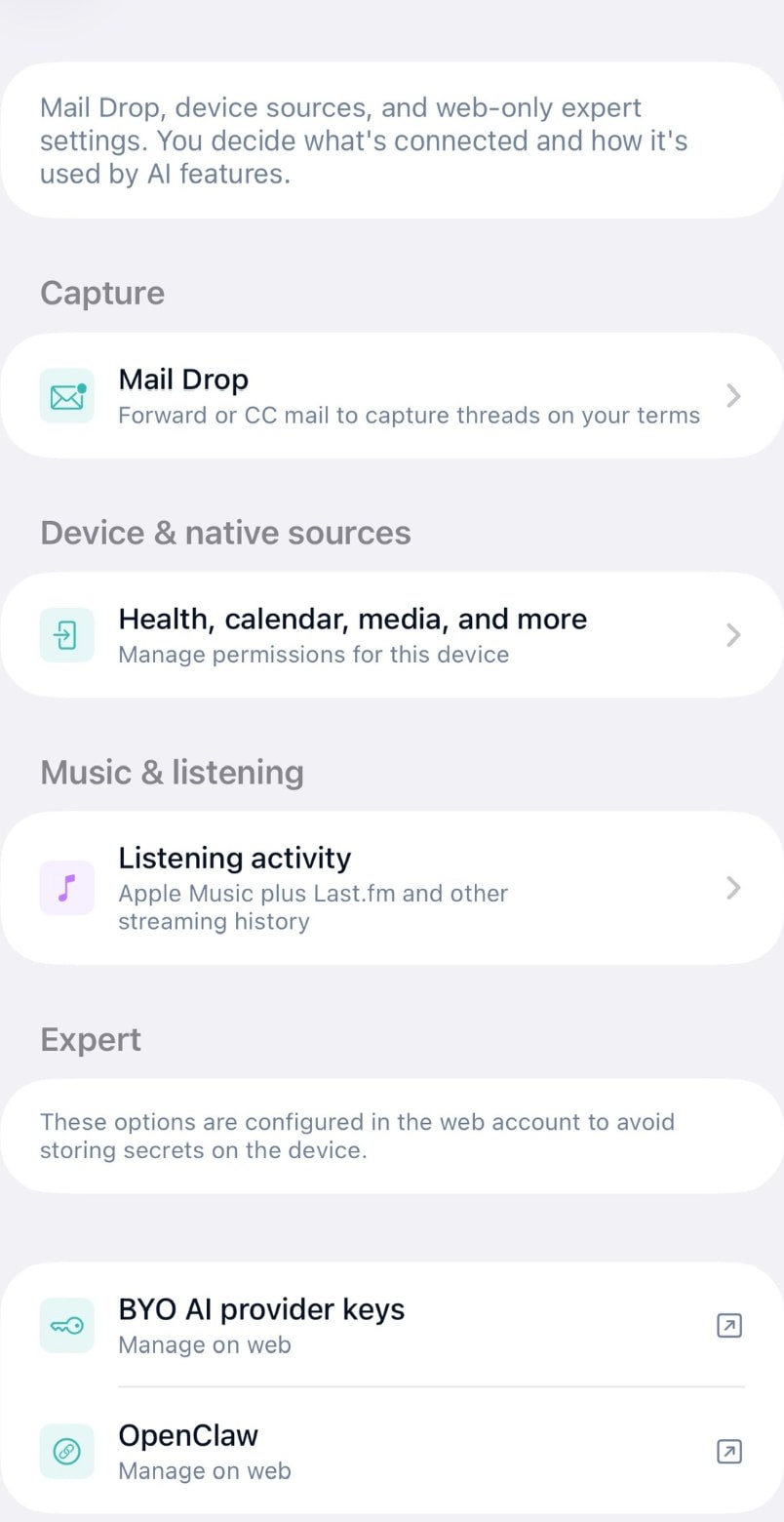
  • The Connections screen in Souvéa showing Mail Drop, device sources such as health and calendar, listening activity and expert options for your own AI provider keys.

    Point of View

    The future of AI personal assistants

    The interesting question is not how capable assistants get. It is who ends up holding the context they run on.

    Read article

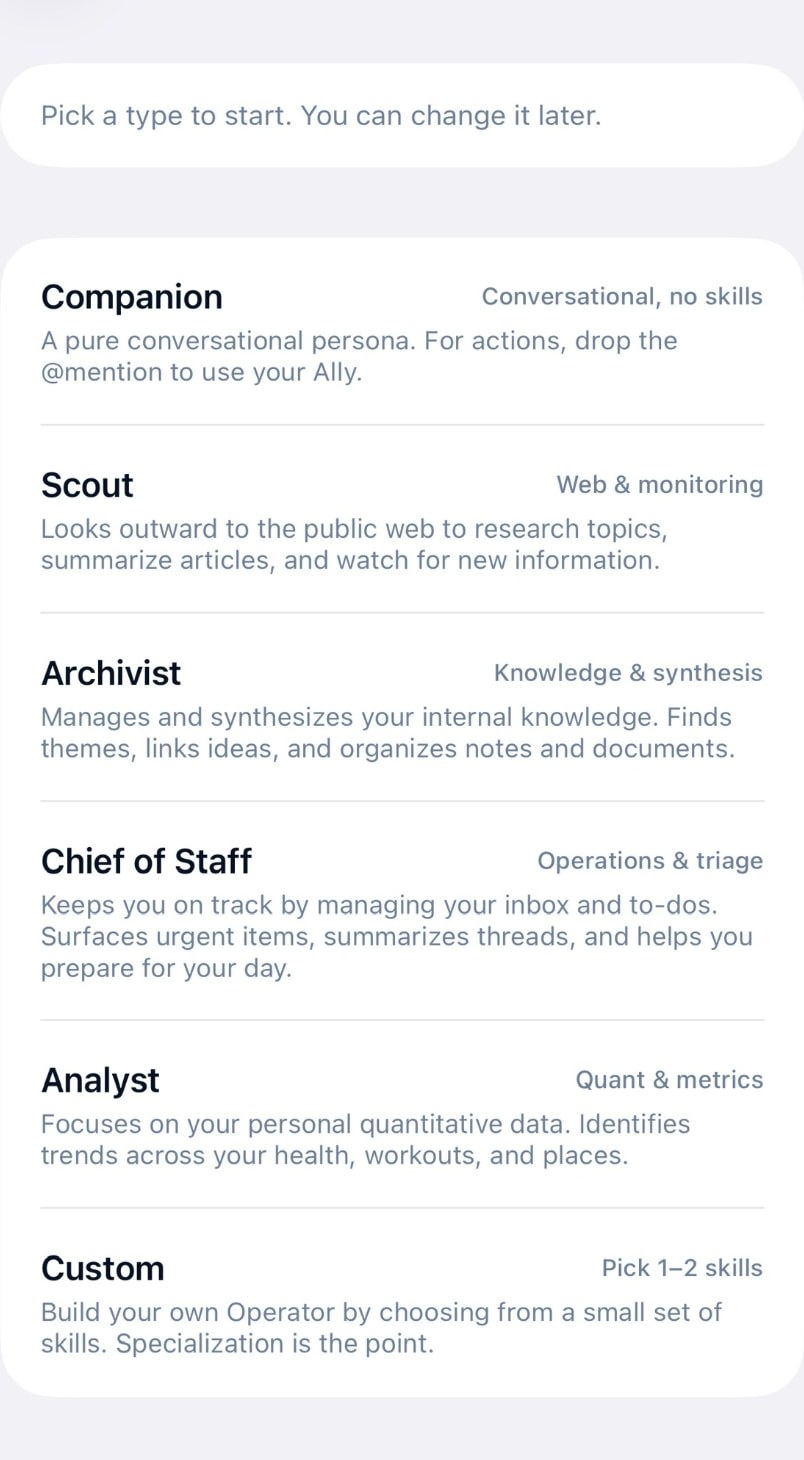
  • The New agent screen in Souvéa, offering Companion, Scout, Archivist, Chief of Staff, Analyst and Custom agent types with a short description of each.

    Product

    Agents that do one thing well

    An agent in Souvéa is not a second assistant. It is a narrow helper you define, with the information you allow and the schedule you set.

    Read article

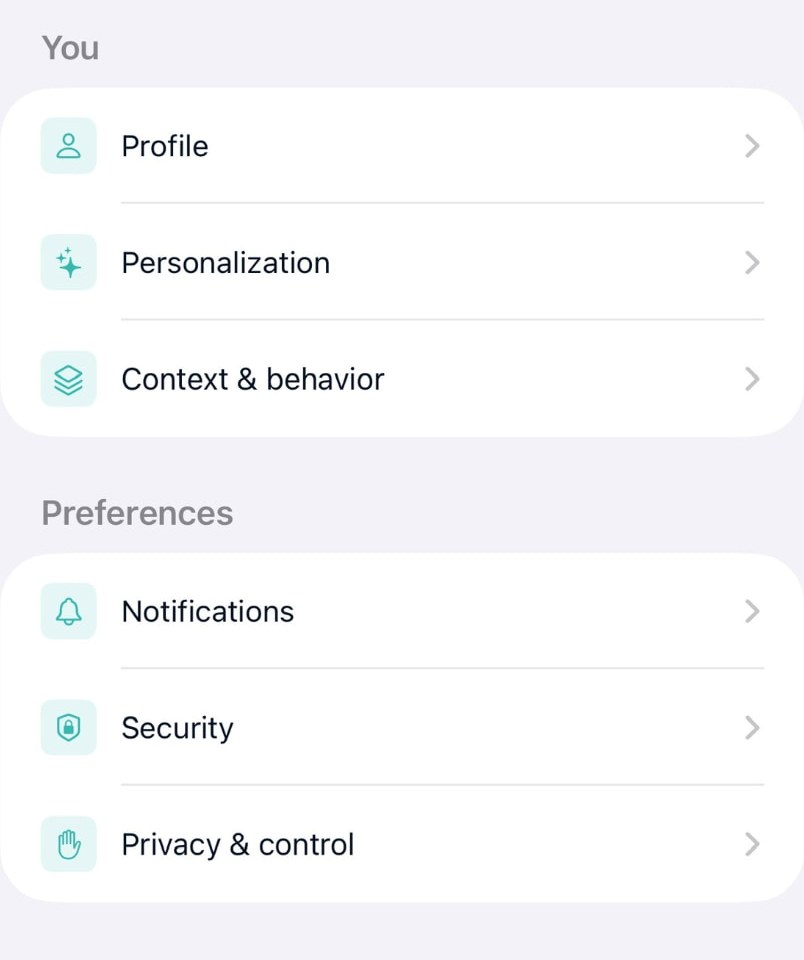
  • Souvéa account settings showing Profile, Personalization, Context and behavior, Notifications, Security and Privacy and control.

    Spaces

    Spaces and Zones explained

    A Space connects invited people, selected information and AI. A Zone brings relevant local or specialist context to people and Spaces.

    Read article

  • The Connections screen in Souvéa showing Mail Drop, device sources such as health and calendar, listening activity and expert options for your own AI provider keys.

    Point of View

    AI comes to your data

    Why we organise context around a person instead of moving a life into someone else's system.

    Read article

Stay in the loop

Get the letter by email

One short letter a week. No pitching, no pressure. Unsubscribe from any of them.