Guides5 minute read
Choosing the model and the processing country
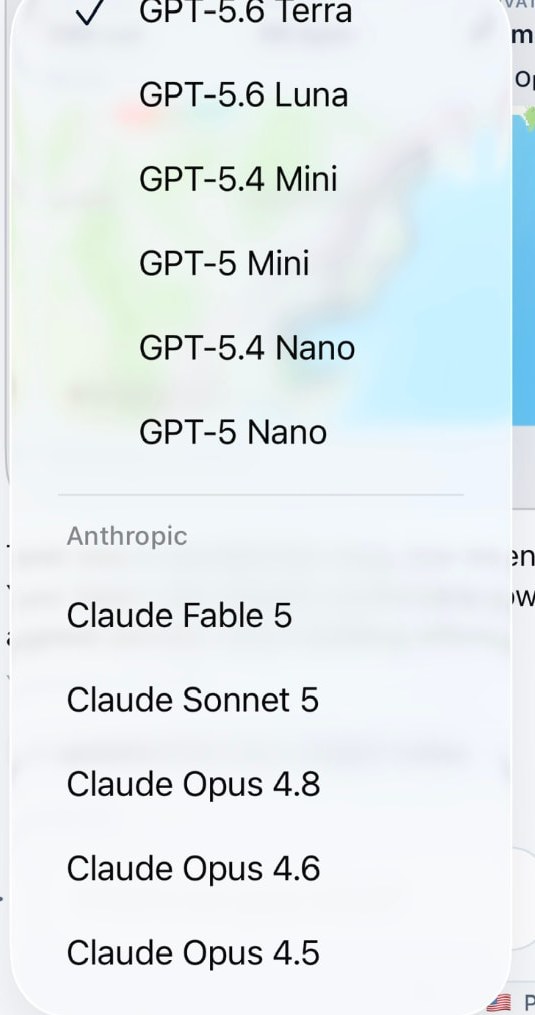
Every AI request goes somewhere. Souvéa makes the selected model and the processing country visible, and lets you change both where that is supported.
Two different questions
Where your connected information is stored and where an AI request is processed are separate questions. Many services answer only the first one.
Souvéa shows both. The model appears next to the conversation, and so does the country or region where the request is handled.
When to switch model
Different tasks benefit from different models. A long document summary, a quick reformulation and a careful piece of reasoning are not the same job.
Switching does not cost you your context. What you connected stays yours and stays available when the model changes.
A note on availability
Availability varies by model, provider and region. Where a provider supports it, you can also connect your own provider keys.