Getting Started4 minute read
Start with one connection
The fastest way to understand Souvéa is to connect one thing you already use, then ask a real question about it.
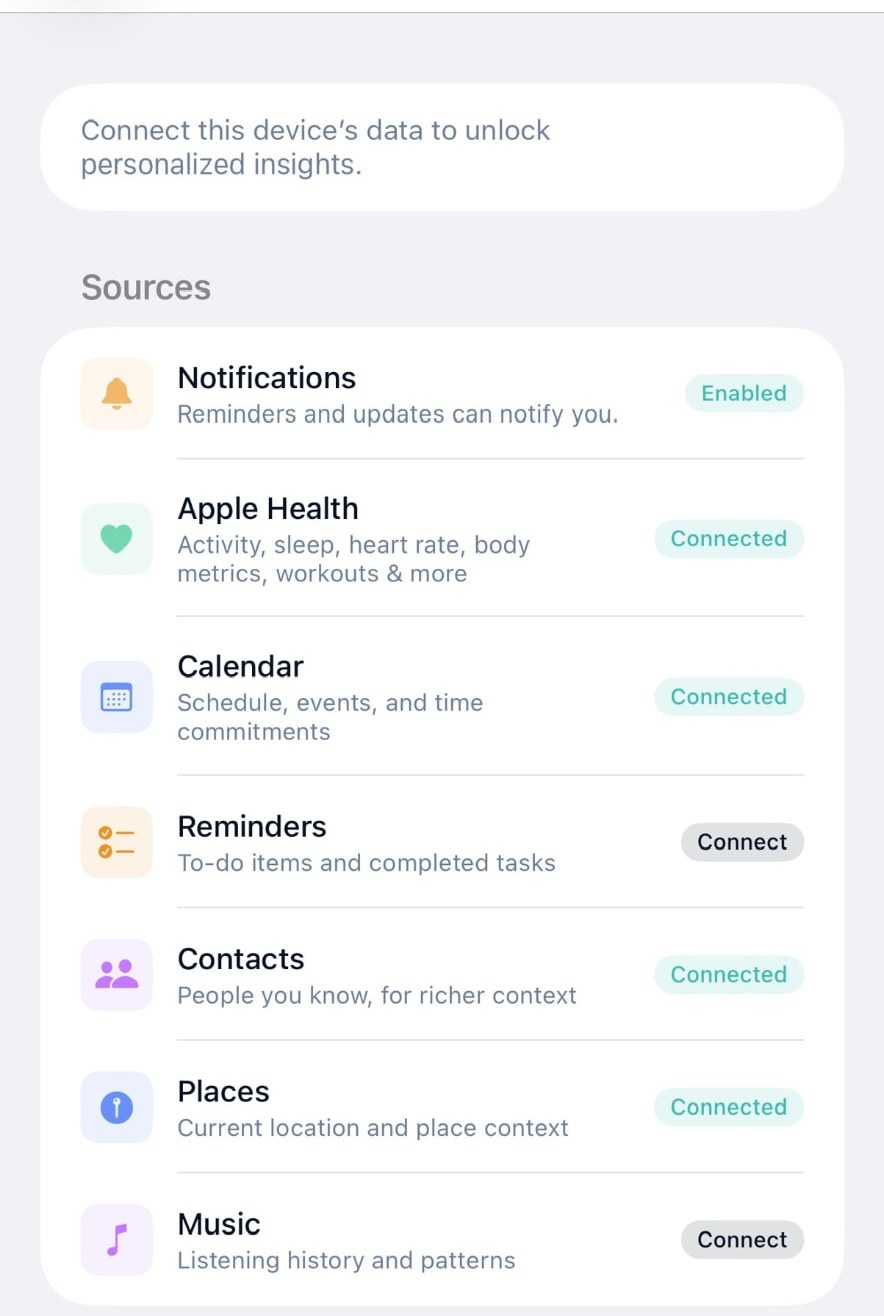
Pick one source, not ten
Most people try a personal AI by connecting everything at once. It looks impressive and tells you very little. One source is enough to see whether Souvéa is useful for the way you actually work.
Your calendar is a good first choice. It is small, it is current and it changes every day, so you notice quickly whether Souvéa is paying attention to the right things.
Ask a question you would ask a person
Try something ordinary. What does tomorrow look like. What did I agree to this week. What should I prepare before Thursday.
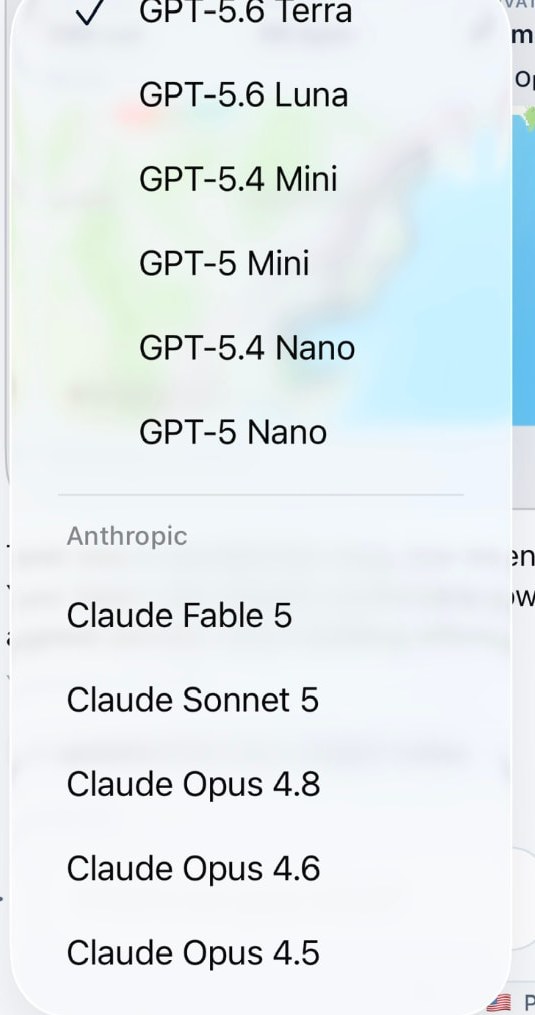
Souvéa answers from the information you connected, and it shows you which model handled the request and the country where it was processed.
Add more only when it helps
When an answer feels thin, that is the signal to connect something else: notes, files, contacts or health and activity. Each addition should earn its place.
- Connect one source
- Ask one real question
- Add the next source when an answer needs it