Guides3 minute read
How to check where an AI assistant processes your request
Most AI services will tell you where your data is stored if you look hard enough. Where your questions are processed is harder to find. Here is how to check.
In shortLook for the processing region in the service's settings or documentation, check whether it changes by model, and ask whether you can choose it. In Souvéa the country is shown beside each answer.
Related: What is AI data residency, and what can you choose?
Start with the settings
Some services let you pick a region in settings. Many do not mention it at all. If you cannot find it in a minute or two, that is already an answer.
Four questions worth asking
You might want to ask these of any AI assistant before you share something personal:
- In which country is my request processed?
- Does that change when I use a different model?
- Is it the same place where my information is stored?
- Can I choose, and can I see the choice while I work?
How it looks in Souvéa
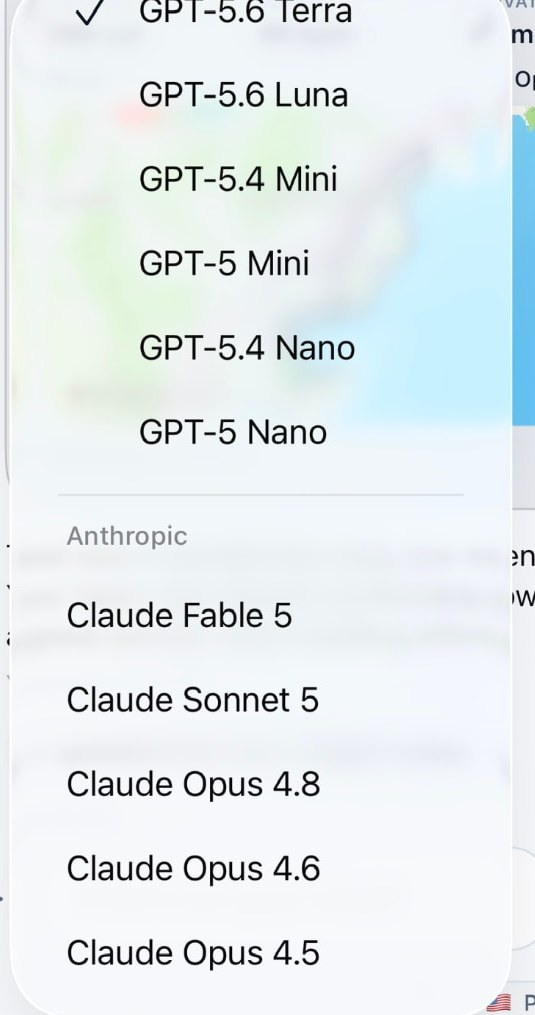
In Souvéa you do not have to look it up. The model and the processing country sit next to each answer, for example Claude Sonnet and Germany. Where supported, you can switch to another country such as Canada, Switzerland or the Netherlands.
Your personal context stays the same whichever country you choose. Availability varies by model, provider and region.